Your workshop.
Organized from ChatGPT.

From your old website to your first signed estimate. It starts with @carbit, in the same conversation.

Try it free

Free website preview in ChatGPT. No card needed.

From 99 lei / month1 month free, no card · Prices exclude VAT

ChatGPT
New website
New website
@carbit Make a new website for Nord Atelier from https://nordatelier.example. Keep the services, contact details, and photos.
Worked for 2m 28s
  1. Read the old website

    I have read the old website. I found the workshop in Cluj-Napoca, its Volvo services, and its opening hours. I will use these details for the first version.

    nordatelier.example
  2. Collected the services, hours and contact details
  3. Created the preview with CarBitCarBit MCP · create_site_preview
Opened CarBit MCP

Preview generated with CarBit

I have made the Nord Atelier website. Open it and compare the layouts below.

Open the website
I like the Nord Atelier layout. Change Saturday hours to 09:00–14:00 and add brake inspections.

I have changed the Saturday hours and added the service. The other details are unchanged.

View the updated website
Publish and sign in

The same conversation

Looks good. How do I publish it at nordatelier.carbit.ro?

First, save the website in your account. Open your personal link and sign in with the code sent by SMS. Then return here.

Save the website in your account
Done. I have saved it and connected my account. Publish it at nordatelier.carbit.ro.

The website is published at nordatelier.carbit.ro.

Where do I sign in to see bookings and estimates?

Open your workshop dashboard:

nordatelier.carbit.ro/admin

Use your CarBit account phone number and the code sent by SMS. You can also open your account at carbit.ro/cont.

PDF and signing

The same conversation

xc60-service-offer.pdfPDF · 2 pages
Here is a PDF offer for a Volvo XC60 service, BV 24 NDR. Make an estimate for tomorrow’s booking.

I have imported the offer into estimate DEV-1042 for Volvo XC60 · BV 24 NDR.

  • 3 lines · total RON 713.90
  • No lines need review
  • Status: draft

Check the parts, prices, and customer details in the estimate.

I have checked it. Give me a link to send to the customer for signing. I will send it on WhatsApp.

For a new estimate, the signing link becomes active when you send the estimate by SMS. Do you want me to send estimate DEV-1042 to the customer on the estimate? You can then copy the same link for WhatsApp.

Yes, send estimate DEV-1042 by SMS. Then I want to copy the link for WhatsApp too.

I have prepared estimate DEV-1042 for sending by SMS. You have 10 seconds to ask me to stop the send.

For WhatsApp, open the estimate and select “Copy link”. Copy the customer link from the dashboard.

Open the estimate and copy the link

The customer checks the estimate, draws a signature, and confirms with a code sent by SMS.

Can I download the signed PDF after the customer signs?

Yes. After signing, the signed PDF is available in the estimate. You can then ask me: “Open the signed PDF for estimate DEV-1042”.

  • ChatGPT
  • Claude
  • Gemini
  • Perplexity
  • Grok

Connect. Create.
Then get to work.

From the first message to an organized workshop.

01 / 05

CarBit, in ChatGPT.

Connect CarBit once. Then select it in a conversation and describe your workshop.

ChatGPTShare
Add the carbit.ro plugin.
CarBit

CarBit

ChatGPT

Open the CarBit plugin and follow the steps in ChatGPT.

Add CarBit to ChatGPT (opens in a new tab)

ChatGPT can make mistakes. Check important info.
02 / 05

Describe your workshop.
See your first website.

Give its name, city, and services. Check the first version and request changes.

ChatGPTShare
Create a website preview for Nord Atelier, a workshop in Cluj-Napoca. Ask me for the missing details before publishing.
CarBit

ChatGPT can make mistakes. Check important info.

03 / 05

Your website.
Ready for customers.

Choose an address and confirm publication. Customers can see your services and request a booking.

ChatGPTShare
Publish the website at nordatelier.carbit.ro.
CarBit

ChatGPT can make mistakes. Check important info.

04 / 05

A clear day.
In one calendar.

See requests and confirmed visits. Add a booking or change a time from chat.

ChatGPTShare
Show the appointments at Nord Atelier.
CarBit

ChatGPT can make mistakes. Check important info.

05 / 05

The work and price.
In one estimate.

Prepare parts and labour. Check the estimate, then choose whether to send it to the customer.

ChatGPTShare
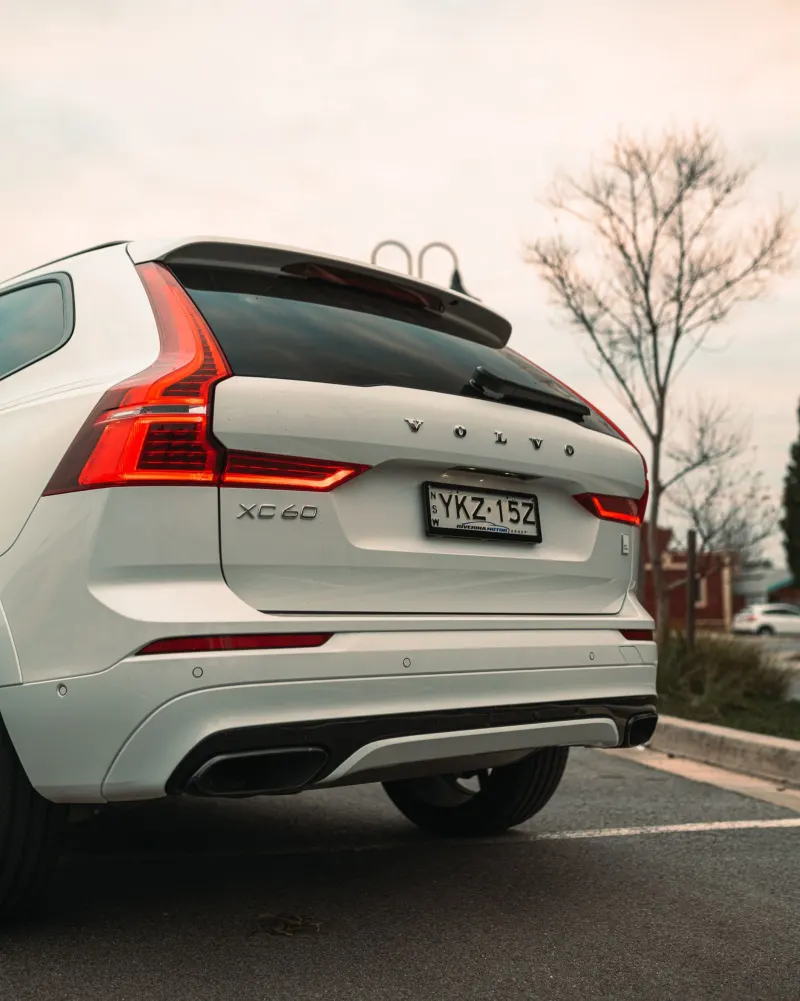
Prepare an estimate for this Volvo XC60 service.
CarBit

ChatGPT can make mistakes. Check important info.

Make it look like your workshop.

Choose a design. Add your photos, services, and colours.

Say what changes.
Your website keeps up.

Hours, services, and photos. Update them from ChatGPT, without a new project for each change.

Routine changes are included. Design changes have usage limits. A ChatGPT subscription is separate.

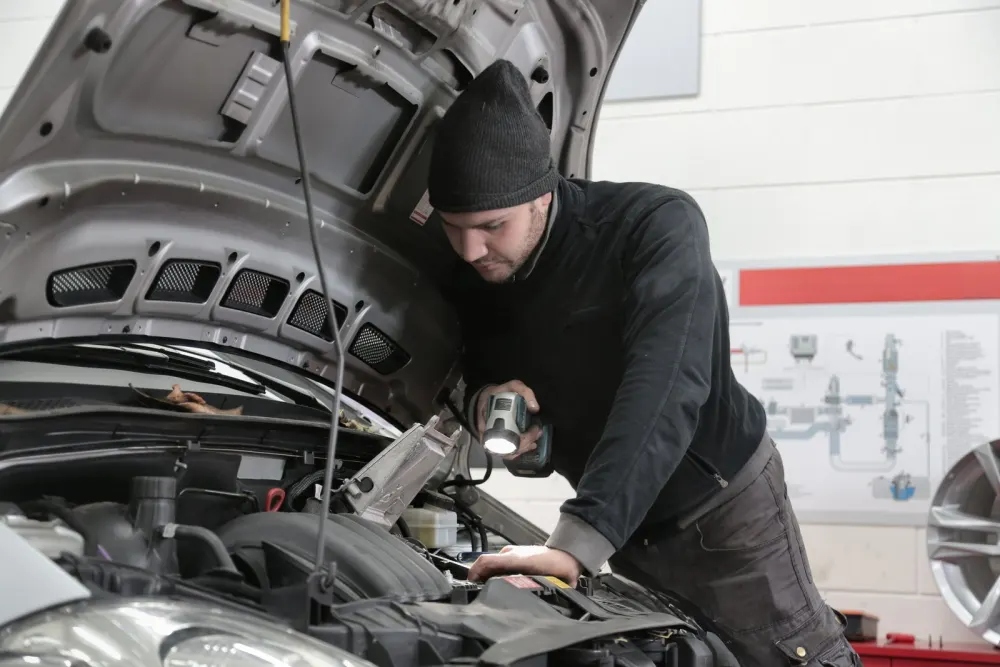
Mechanic and a car on a lift in a workshop. Stock photo.

“Change Saturday hours to 09:00–14:00.”

Your next customer
can start with a question.

“Find a Volvo workshop in Cluj.” Your website explains what you repair, where you work, and how to contact you.

“Find a Volvo workshop in Cluj.”

Nord Atelier

Independent workshop · Cluj-Napoca

Volvo
Servicing · Diagnostics
City
Cluj-Napoca

Visible in search.

Public pages and structured data for Google and AI assistants. This visibility is separate from your private ChatGPT connection.

Trust, from real reviews.

Show confirmed reviews and a link to your workshop’s Google profile.

Google and AI assistants decide rankings and recommendations. CarBit does not guarantee a place in results.
About ChatGPT search · About Google visibility

More than a website.

Choose how you work. CarBit connects your workshop website to your daily work.

Website builder

Build and edit in the platform interface. Booking tools depend on the features or integrations you choose.

Custom website

Work with a developer or agency. Agree the budget, changes, and delivery dates separately.

CarBit

Your workshop, from chat.

Website, calendar, and estimates in one solution. Routine changes are included.

From 99 lei / month

A comparison of ways to work. Other services have different features and costs.

Know the price.
From the start.

Start with Trial. Choose Pro or Ultra when you are ready. Each website has a separate monthly subscription.

Trial

One month for your workshop website.

0RON

Free for one month
  • One website for one month
  • Free .carbit.ro subdomain
  • Changes from chat
  • No card needed to start
Try it free

Pro

Website, bookings, messages and estimates.

99RON / month / website

Prices exclude VAT
  • Everything included in Trial
  • Online booking and a calendar by service bay
  • Customer messages in one place
  • Estimates and job documents, step by step
  • Custom domain available, paid separately
Try it free

Ultra

Everything in Pro, plus automatic texts and estimates signed by text.

179RON / month / website

Prices exclude VAT
  • Everything in Pro
  • Automatic texts: booking confirmations and reminders
  • Estimates your customers sign with a code sent by text
  • Supplier invoices turned into Excel sheets
  • Custom domain available, paid separately
Try it free

Custom domain for Pro and Ultra: 249 RON / year, paid separately.
export your data any time

Routine changes are included. Design changes have usage limits. A ChatGPT subscription is separate.

See what each plan includes

Frequently asked questions

Do I need an account to try it?

No. Add the CarBit address to your chat and ask for the site. The preview stays online for 30 days and you can ask for 3 changes. You only create an account when you publish, with your phone number and a code sent by text.

What if I've never used an AI chat?

Write exactly as you'd talk to a person: “change the oil change price to 200 lei”. The Connect page has messages ready to copy.

Can I use my own domain, like servicepop.ro?

Yes. Your own domain costs 249 lei a year on top of your plan. Until then, your site lives at your .carbit.ro address.

How does my customer sign an estimate?

They get a link to the estimate by text, read it on their phone and approve it with the 6-digit code sent in another text. You see straight away that it's signed, with the time and the phone number.

Who owns the data?

You do. Export your customers, bookings, estimates and site whenever you like, in full. If you leave, everything goes with you.

Start with your workshop.

Two details. A message ready for ChatGPT.

Continue to the connection page. Copy the message into ChatGPT. This form does not create or publish a website.